
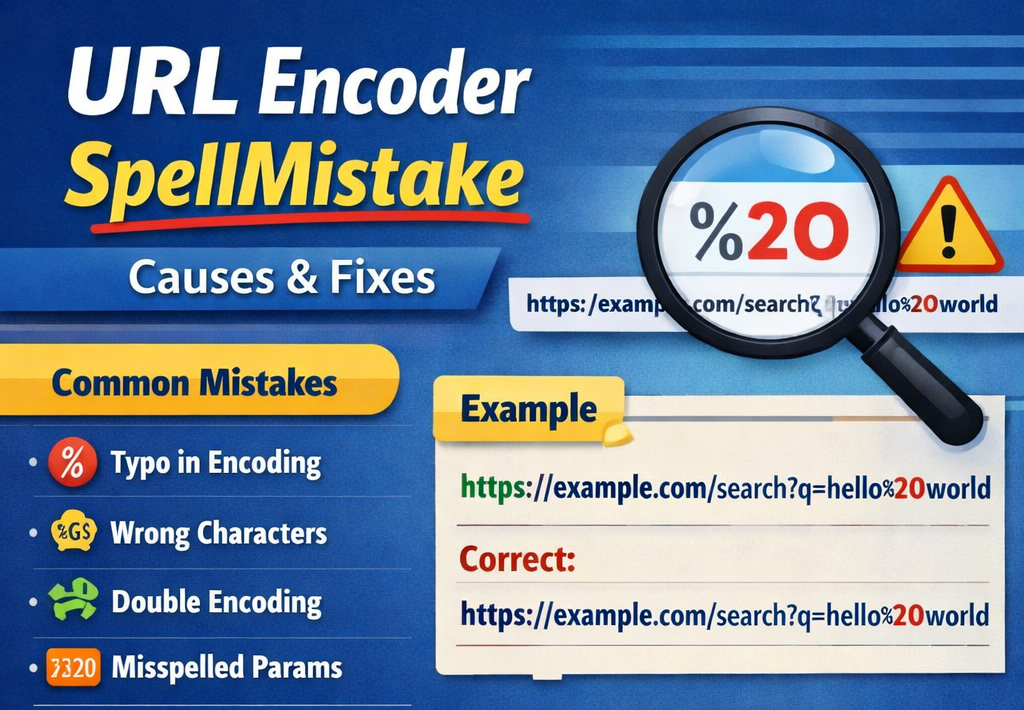
URL Encoder SpellMistake: Causes, Fixes & Best Practices
When working with web links, developers and content creators often rely on a URL encoder to convert special characters into a format that browsers and servers can safely process. However, even small typing errors or misunderstandings can lead to something often referred to as a URL encoder spellmistake—a situation where incorrectly encoded text breaks a link, changes its meaning, or produces unexpected results.
These mistakes may seem minor at first glance, but they can have real consequences. Broken links, failed API requests, and incorrect redirects are just a few problems that arise when encoding errors slip into URLs. Understanding how these mistakes happen and how to prevent them can save time, improve website reliability, and create a smoother user experience.
What Is URL Encoding?
Before discussing the issue itself, it helps to understand how URL encoding works.
URL encoding converts characters that are not allowed in a web address into a safe format using percent encoding. For example, spaces and special symbols are replaced with a percent sign followed by a hexadecimal value.
Here are a few examples:
| Character | Encoded Form |
|---|---|
| Space | %20 |
| ! | %21 |
| # | %23 |
| & | %26 |
This transformation ensures that web browsers and servers interpret the URL correctly without confusion or errors.
What Does “URL Encoder SpellMistake” Mean?
A URL encoder spellmistake usually refers to an incorrect encoding caused by:
- Typographical errors during manual encoding
- Misusing encoding tools
- Incorrect character representation
- Partial encoding of strings
Instead of properly converting characters, the URL might include invalid sequences or incorrectly spelled encoded values. When this happens, browsers may fail to interpret the address correctly.
For instance, encoding mistakes often appear when someone manually edits a link instead of using an automated tool.
Example:
Correct encoding
https://example.com/search?query=hello%20world
Incorrect encoding
https://example.com/search?query=hello%2world
In the incorrect version, %2world is not a valid encoded sequence, which can break the request.
Why Encoding Errors Happen
Encoding mistakes usually occur for a few common reasons. Many people underestimate how sensitive URLs can be.
1. Manual Encoding
Typing encoded values manually increases the chances of errors. Missing a digit or symbol can change the entire URL structure.
2. Copy-Paste Problems
Sometimes characters copied from documents contain hidden formatting or special characters that get encoded incorrectly.
3. Mixed Encoding Methods
Using multiple tools or encoding parts of a URL at different times may lead to inconsistent formatting.
4. Lack of Encoding Knowledge
People unfamiliar with percent encoding may assume that replacing spaces or symbols manually is enough.
A Real-World Scenario
Imagine a marketing team sharing a campaign link with tracking parameters in a newsletter. The link contains spaces and special characters in the campaign name.
Instead of encoding the full string correctly, someone replaces spaces with %20 but forgets to encode the ampersand symbol in the parameter. When users click the link, the analytics platform interprets the parameters incorrectly, and the campaign traffic cannot be tracked properly.
This is a classic case where a simple encoding error creates a larger data problem.
Common Encoding Mistakes to Watch For
Even experienced developers occasionally run into encoding issues. Here are some typical problems.
Partial Encoding
Sometimes only part of a URL is encoded while the rest remains unchanged. This creates inconsistencies that confuse browsers.
Double Encoding
Double encoding happens when a string that has already been encoded is encoded again.
Example:
Original
hello world
Encoded once
hello%20world
Encoded twice
hello%2520world
The second version changes the meaning of the URL entirely.
Incorrect Hexadecimal Values
Each encoded character must contain two valid hexadecimal digits. Missing or incorrect digits cause errors.
Encoding Entire URLs Instead of Components
Another mistake occurs when someone encodes the entire URL instead of just the necessary parts, such as query parameters.
Quick Comparison: Correct vs Incorrect Encoding
Understanding the differences between correct and incorrect encoding can help avoid common mistakes.
| Situation | Correct Practice | Incorrect Practice |
|---|---|---|
| Spaces in query | Replace with %20 | Leave space or use random symbol |
| Special characters | Encode each special character | Encode only some characters |
| Already encoded strings | Leave unchanged | Encode again (double encoding) |
| URL parameters | Encode values only | Encode entire URL |
This simple comparison helps illustrate why encoding precision matters.
How to Prevent URL Encoding Errors
Preventing encoding mistakes is much easier than fixing them later. A few practical steps can dramatically reduce the risk.
Use Reliable Encoding Tools
Automated encoding tools are designed to convert characters accurately. Using them eliminates manual errors.
Encode Only When Necessary
Not every part of a URL requires encoding. Focus mainly on query parameters and user-generated content.
Validate URLs Before Publishing
Testing links before publishing them can quickly reveal encoding issues.
Keep Encoding Consistent
If multiple team members work with URLs, ensure they follow the same encoding practices.
My Personal Experience with Encoding Errors
I once spent nearly an hour troubleshooting a broken API request, only to discover that a single space in the request parameter had not been properly encoded. That small detail completely prevented the server from processing the request.
Experiences like that highlight how small mistakes in encoding can cause surprisingly large problems.
Why Proper Encoding Improves SEO and User Experience
Correctly encoded URLs benefit both users and search engines.
When links are formatted properly:
- Browsers load pages without errors
- Search engines crawl URLs more efficiently
- Tracking parameters remain accurate
- Links shared on social media work reliably
On the other hand, encoding errors may create duplicate pages, broken redirects, or indexing issues.
Maintaining clean and valid URLs contributes to a healthier website structure.
Tools That Help Avoid Encoding Issues
Many online utilities and development tools can encode or decode URLs instantly. These tools simplify the process and reduce the risk of human error.
Common features include:
- Real-time encoding and decoding
- Error detection
- Support for different character sets
- Easy copy-and-paste functionality
Using such tools ensures that even complex URLs remain valid and functional.
Read More: Is Fidzholikohixy Safe? Risks, Security & Truth Explained
Conclusion
The concept behind a URL encoder spellmistake may sound technical, but the idea is simple: a small encoding error can break a link or change how a system interprets a web address.
Understanding how URL encoding works—and recognizing the most common mistakes—can prevent many frustrating issues. Whether you’re a developer, marketer, or website owner, taking a careful approach to encoding ensures that your URLs remain clean, functional, and reliable.
In the world of web communication, even a single character matters. Paying attention to encoding details helps maintain smooth navigation, accurate data tracking, and a better experience for everyone who interacts with your links.
FAQs
What is a URL encoder?
A URL encoder is a tool or process that converts special characters in a web address into a safe format that browsers and servers can interpret correctly.
Why do encoding mistakes occur?
Encoding errors usually happen due to manual typing, partial encoding, incorrect hexadecimal values, or double encoding.
What happens if a URL is encoded incorrectly?
An incorrectly encoded URL may break the link, send incorrect parameters to a server, or prevent a page from loading properly.
How can I check if my URL is encoded correctly?
You can verify URLs using online encoding tools or testing the link in a browser to see if it behaves as expected.
Is URL encoding important for SEO?
Yes. Properly formatted URLs help search engines crawl websites more efficiently and prevent issues such as broken links or duplicate pages.